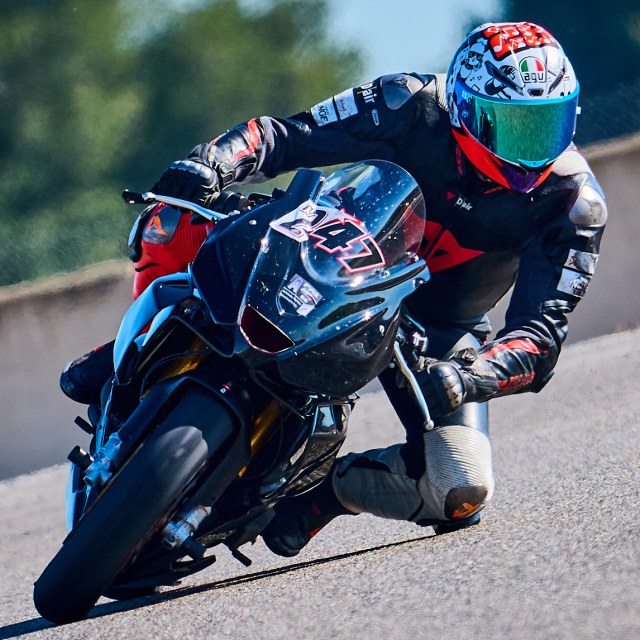
No number. Still a rider.
Practice and open pit lanes rarely show a number. RaceLabs matches rider and bike instead; a visible number names the group.
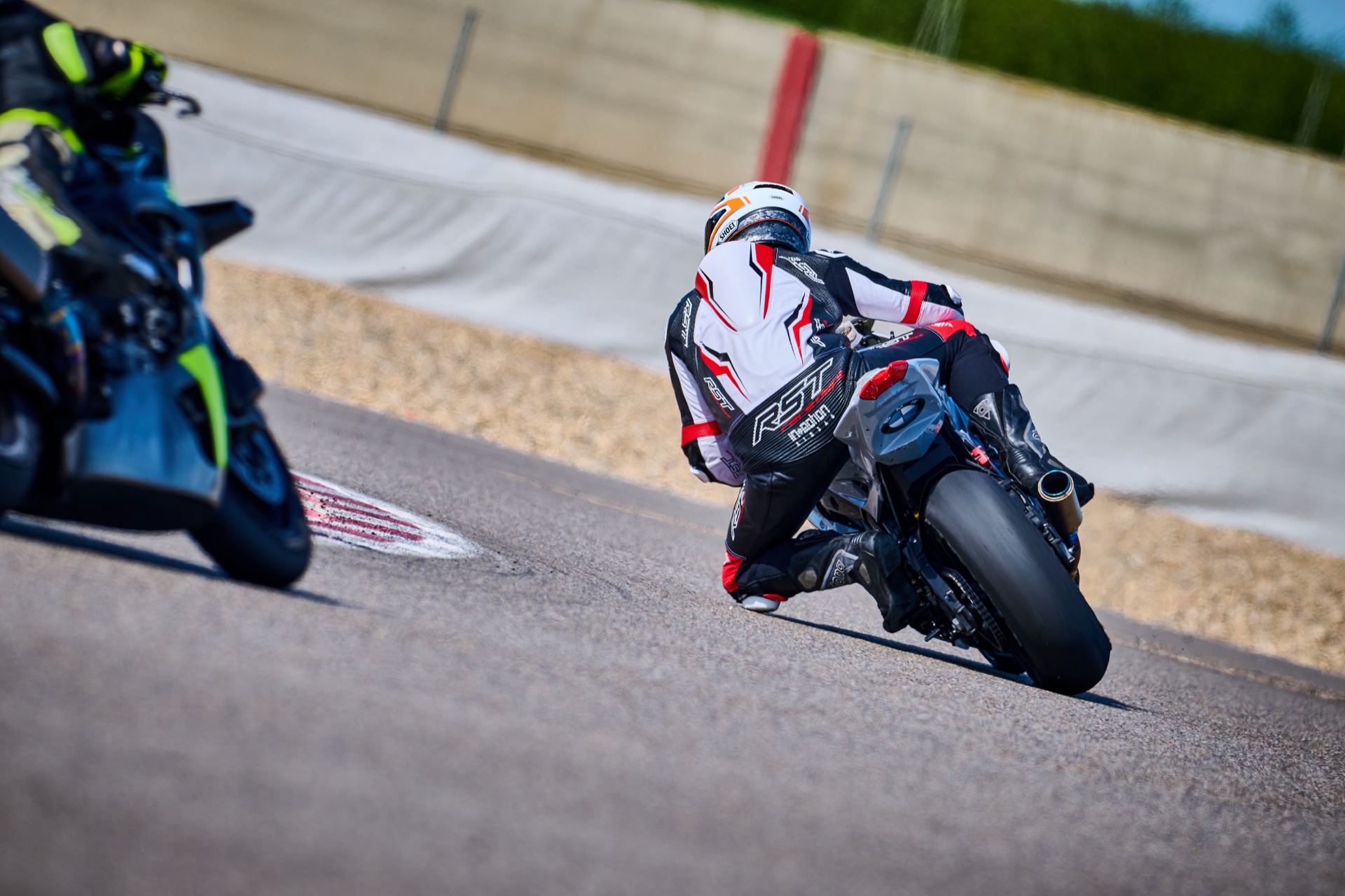
AI motorcycle photo sorting software
Sorting, solved. 30+ photographers · 20,000+ photos a minute · 100% group purity · mAP 0.996 · 5 live stores →
AI photo sorting for motorcycle photographers: your whole event grouped by rider in one pass. Groups riders by how they look: the number isn't needed.
Every rider. Their whole trackday.
Their photographer stores.
Powered by RaceLabs.





The essentials
RaceLabs recognises rider and bike across the whole event and writes rider folders, ready to edit and deliver.
01 / Automatic rider grouping
Grouped by rider, not by number board. Rear views and half-covered leathers included.
Example 01 / Number out of sight
Front views and a rear view with no visible race number appear together in this published rider group.
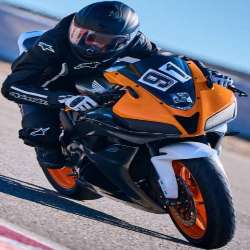
Example 02 / Leathers partly covered
Front and rear views appear together in this published rider group. An orange vest covers much of the back in one view; more of the leathers are visible in another. Number 210 is visible on the motorcycle.
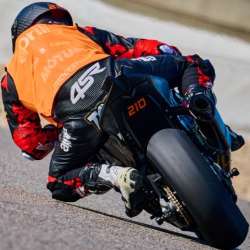
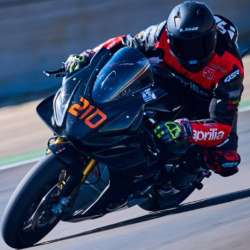
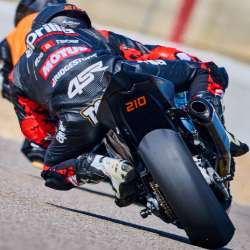
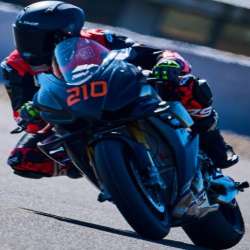
Real photographs. Original demo crops. Rider groups from the published RaceLabs motorsport demo.
One event. Every rider, their own folder.
Try it with your photographs02 / Built for motorcycle photography
Every rider carries a signature: helmet, leathers, bike. RaceLabs matches it, even with no readable number.
See how rider matching helpsPractice and open pit lanes rarely show a number. RaceLabs matches rider and bike instead; a visible number names the group.
Helmet, leathers and livery carry through every angle. Mid-corner, wet or in a pack, same folder.
One frame, both riders, both groups. You never have to pick one customer for the shot.
Blurry frames are set aside and uncertain ones go to Unclear. Those exceptions are all you review.
| Method | What it looks for | The motorcycle photography challenge |
|---|---|---|
| Number recognition / OCR | Readable digits on a number plate or bib. | A rear view, obstruction or missing number may leave no usable digits. |
| Facial recognition | Visible facial features. | A full-face helmet often conceals the face. |
| Rider signatures | Connects photographs of the same rider across the event. | Can connect different views without a readable number. Uncertain frames go to the Unclear bin rather than into the wrong rider. |
03 / Card to rider folders
Keep your camera, your editing tools, your delivery. RaceLabs does the sorting in between.
Back up your card, then point RaceLabs at the folder. RAW, JPEG and video.
The whole event sorts in one pass from lightweight previews, analysed in Germany. Originals never leave your disk.
Save the folders and edit in Lightroom. The RaceLabs plugin sends finished JPEGs back to your event.
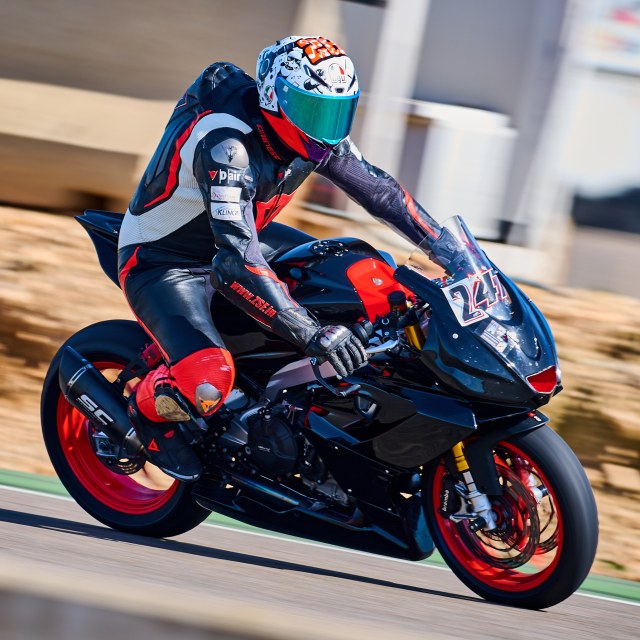
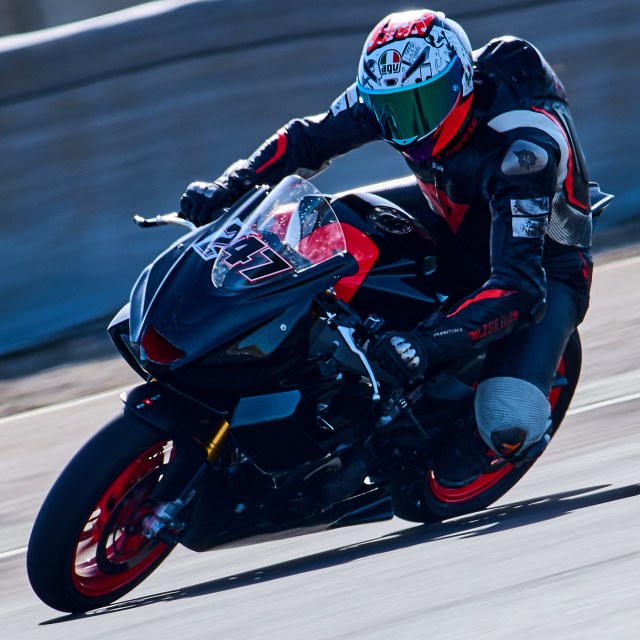
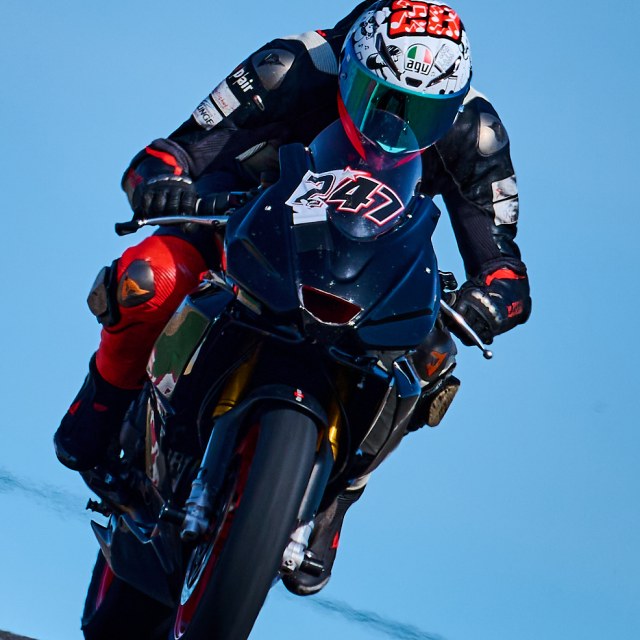
Example structure. Ordinary folders on your disk.
CR2 / CR3 / NEF / ARW / RAF / DNG / JPEG
AND YOUR FOOTAGEMP4 / MOV / AVI / MKV
04 / What we measured
Our October 2026 motorsport benchmark: 6,504 photographs, 175 rider identities held out of training. Every method is published.
Read the full results175 held-out identities · 6,504 photographs
Retrieval mAP 0.996 · ARI 0.985 · on 175 riders the model had never seen. Not one wrong photo.
05 / Before your next event
Real workflows have details.
These are the ones photographers ask about.
Yes. RaceLabs matches riders by helmet, kit and bike, so no readable number is needed. A visible number simply names the group.
RaceLabs sorts 20,000+ photos a minute, the whole event in one pass. Blurry frames are set aside, so you review only the exceptions.
Uncertain frames go to the Unclear bin for your call. You can merge, split, rename or reassign any group.
Yes. RaceLabs reads CR2, CR3, NEF, ARW, RAF, DNG and JPEG into normal folders. The Lightroom Classic plugin uploads finished JPEGs to your event.
No. Only lightweight previews are analysed, on cloud GPUs in Germany. Your originals stay on your disk, never recompressed.
Yes. RaceLabs matches riders in MP4, MOV, AVI and MKV footage and creates per-rider clips alongside the photos.
The first event is free up to 50,000 images and 3 days. Then from €0.01 per photo, less with volume, and no subscription: 5,000 photos cost €50. Website setup and payment-provider fees are separate.
See current pricing →No. Deliver the folders through any gallery or service. The optional RaceLabs website sells under your brand from €600, with 0% commission.
Your next trackday, organised
YOUR FIRST EVENT
On us.
Run RaceLabs on a real motorcycle event and see what it does to your evening.
Let’s sort your first eventThen pay as you go: from €0.01 per photo, less with volume.
No sorting subscription.
Send your file mix and photo count; we’ll reply with a price and a plan.
Installers, files and first-event setup
See the pricingField notes / Guides for photographers
Throw your hardest frames at it and time the whole delivery.
Read the buying guide02 / Galleries & salesTurn sorted rider folders into a clear route from photo to purchase.
Read the website guide