AI enduro photo sorting software

Enduro photos.
Back to
the rider.

The mud changes everything.
Their photo collection should still feel like them.

RaceLabs helps motorcycle photographers group an event by rider, review the difficult frames and prepare collections worth delivering. From the first clean number plate to the last muddy climb.

Try your first enduro event

First sorting event free · Agree your files and scope with us.

From the course to the customer
EnduroHard enduroOff-road motorcycle events
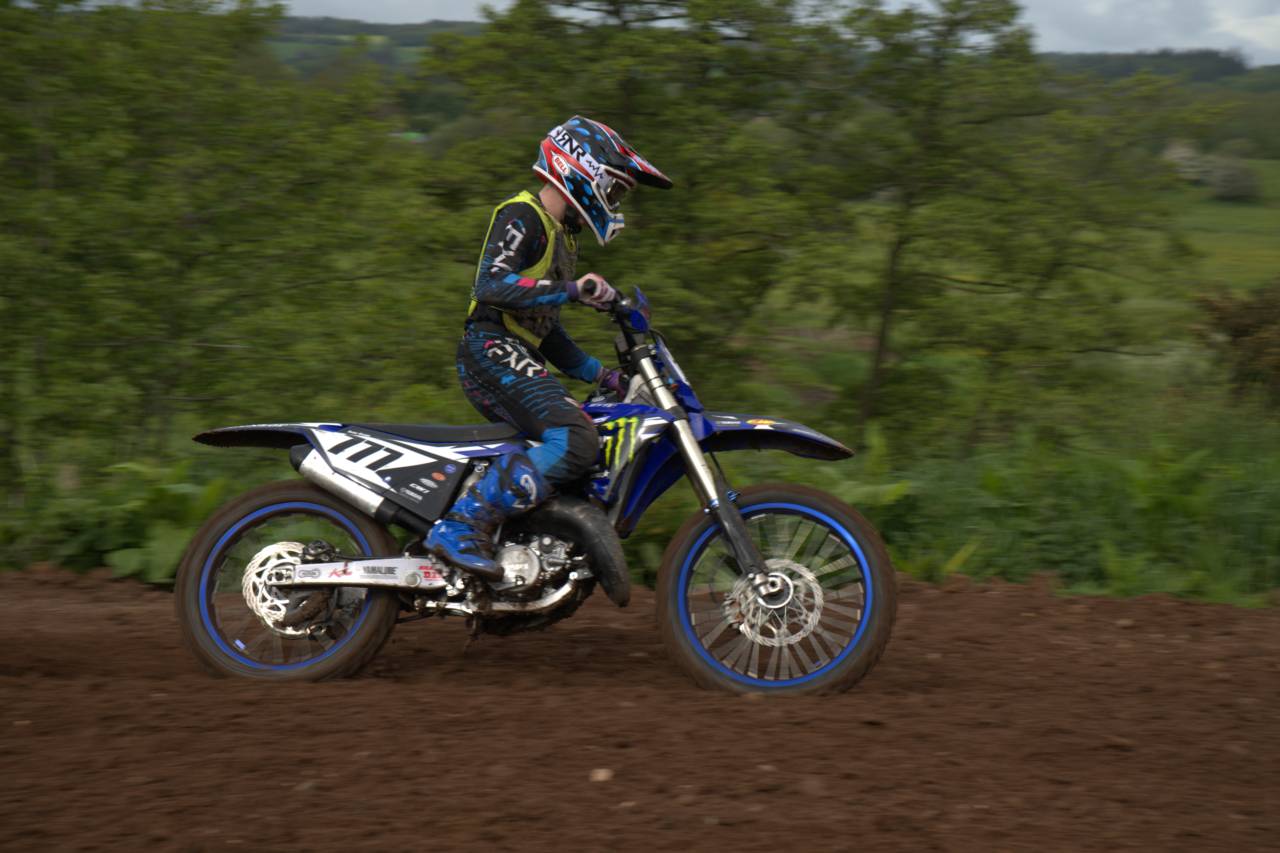
A motocross rider on a blue motorcycle passes trees on a dirt course.
From the Motocross event in RaceLabs
Rider groups to reviewRAW & JPEG workflowYour folders or your store

01 / More than a clean number plate

The course gets messy.
Your delivery can stay organised.

A readable race number is useful. In an enduro event, it can disappear behind mud, a handguard, another rider or a change of angle. Sorting the entire shoot only by the clearest front view leaves the harder photographs to find afterwards.

Rider signatures give you a grouping pass across the event. Review the results, correct the exceptions and keep the full collection in view while you choose your best photographs. The photographer stays in control of what reaches the customer.

For motorcycle enduro, the useful question is practical: how much time does it take to reach a checked rider collection? Include the difficult frames when you try a complete event.

02 / Photographs that deserve a closer look

Keep the hard shots
in the conversation.

These are the cases to test on your own files. Clearer views and your event knowledge help you check the groups.

01 / Mud & dust

Yesterday’s colours, today’s mud.

A jersey or bike can look different by the final section. Compare the collection from early and late in the event, and merge separated groups once you are satisfied they belong together.

02 / Rear & partial views

The best frame may face away.

A rider disappearing into the trees can be worth delivering. Review rear views and partly hidden subjects against the wider set before you assign them to a rider.

03 / Team kit & similar bikes

Matching colours need attention.

Shared kit, similar helmets and the same bike model can make a group harder to check. Split mixed groups, move misplaced photos and verify the rider label before publishing.

04 / Sections & return passes

One rider, several parts of the event.

Retain your section, session and event information. Use it when reviewing repeated passes or a busy frame with several riders, without assuming appearance alone proves a name.

Real off-road frames

A hidden number. A changing view.

Different riders from the Motocross event illustrate the kinds of photographs to include in your review.
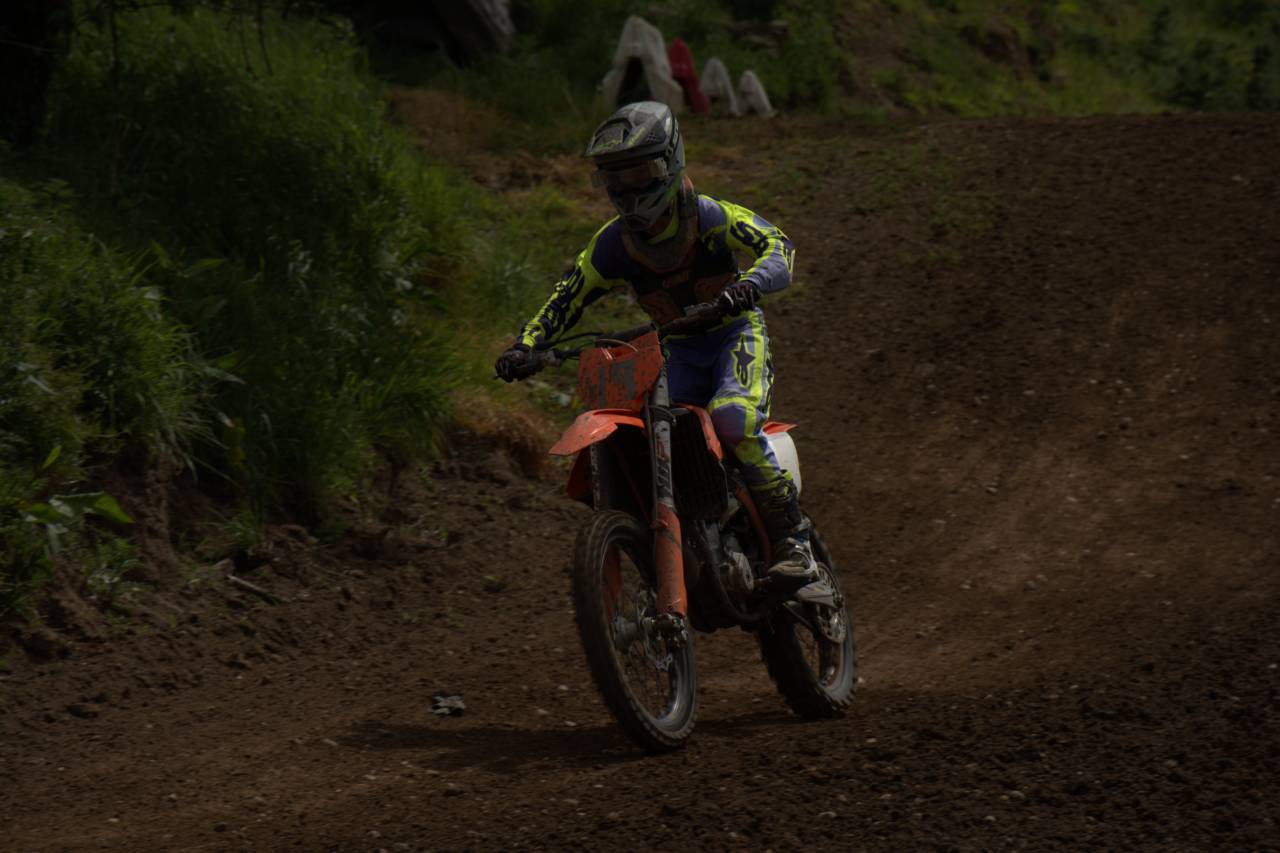
A rider on an orange dirt bike with mud obscuring the front number plate.
Mud across the front number plate
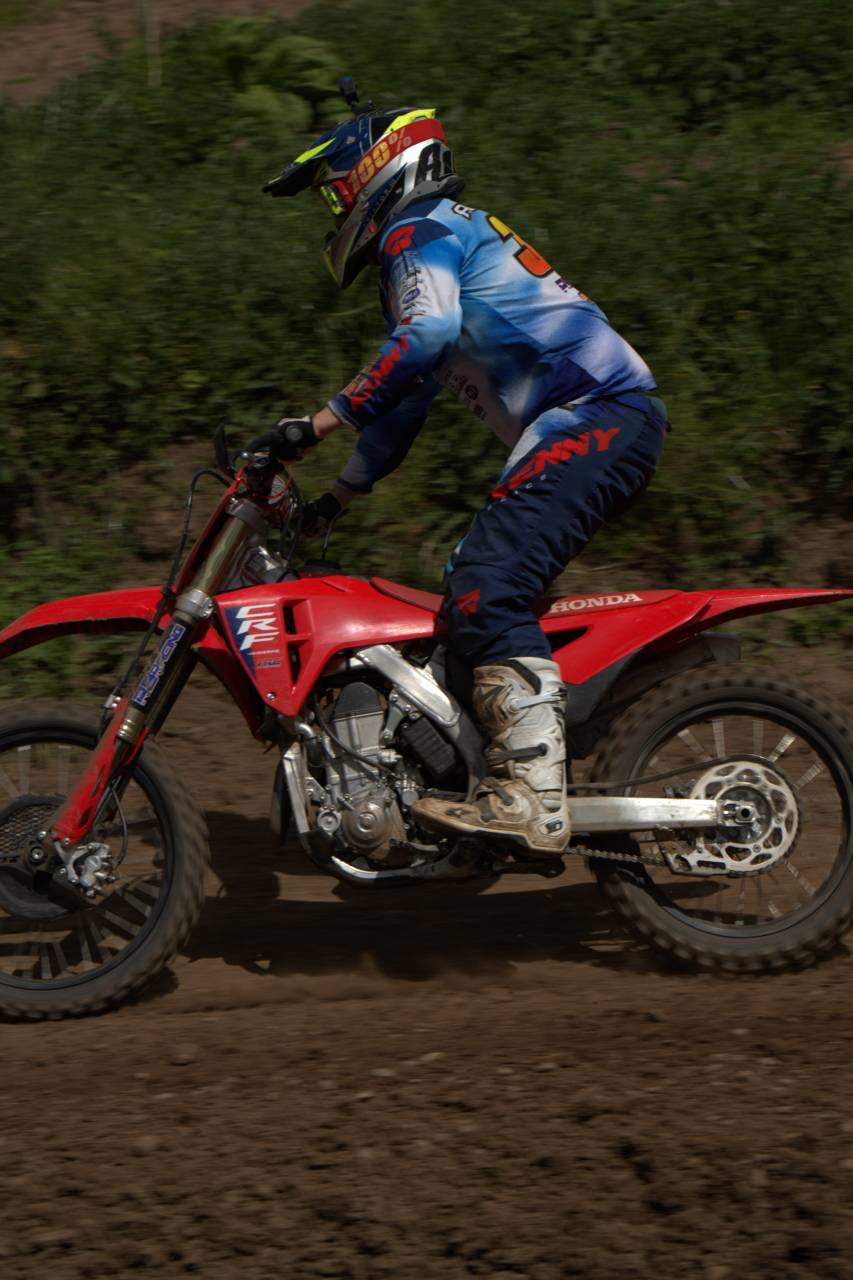
Rear-quarter view of a rider in blue kit on a red motorcycle.
A rear-quarter view of the rider

Enduro tests. Hard enduro terrain.

A different section.
A different challenge.

A fast cross test, a wooded enduro test and a technical climb produce very different photographs. Hard enduro adds steep approaches, rocks, logs and crowded obstacles. Keep the day, class and section context beside your review, especially when riders change kit between sessions.

For dirt bike and cross-country race photographers, the same delivery questions are useful: which rider belongs in the group, which frames need a second look, and how will the customer find the finished collection? Test the workflow on your event format rather than assuming results transfer unchanged between disciplines.

03 / From the course to the customer

Shoot the event.
Bring each rider’s set together.

See how RaceLabs works
  1. Add the whole event.

    Keep a separate backup of your originals. Import your supported RAW or JPEG files and retain the event details you will need for delivery.

  2. Group, review, correct.

    Upload lightweight previews for cloud analysis; you need an internet connection, while full-resolution originals stay on your disk. Run the grouping pass, then merge, split, rename and reassign photographs until the collections are ready for your edit.

  3. Make your final selection.

    You choose the keepers and finish the edit. Prepare the JPEGs and any supported video you intend to deliver; review video assignments and clip boundaries too.

  4. Export, or upload and publish.

    Save rider folders for your usual delivery service. With a connected RaceLabs website, upload the finished event, then publish it for customers to browse and buy.

04 / A store under your own name

Finish the shoot.
Open the gallery.

Give riders a direct route from an event to their photographs. A photographer website connected to RaceLabs brings branded galleries, full-resolution photos and videos, checkout and downloads into the same delivery workflow.

Explore the photographer website

From €500Base website template. Personalised work quoted separately.

0% sales commissionFrom RaceLabs. App usage and payment-provider fees are separate.

Your brand. Your customers.Your logo and watermark, with RaceLabs acknowledged in a discreet footnote.

Stripe, direct Redsys and Bizum options

Five live photographer stores show the connected store in use. Explore the published galleries and customer experience; these are store examples, not an enduro accuracy test.

Their photographer stores.
Powered by RaceLabs.
Explore the live stores

05 / Judge it on your event

Bring the mud.
Bring the difficult frames.

Include forest shade, dusty sections, obscured plates, matching kit and more than one viewpoint. Check whether another rider appears inside a group and whether one rider’s photos have been split into several groups.

Time processing and correction together. Editing, upload speed and publication each contribute to the final delivery time. Our published research describes its own evaluation set; it does not establish an enduro-specific success rate.

Your first sorting event is free. Tell us about your camera files, computer and any video so we can agree the trial scope and help you get started.

Plan an enduro trial

Before your next event

Enduro photo
sorting, answered.

The files, the difficult cases and the route to selling your work.

How do I sort enduro race photos by rider?

Import the event into RaceLabs and upload lightweight previews for cloud analysis; an internet connection is required while full-resolution originals stay on your disk. Run the grouping pass and review each rider collection. Merge split groups, separate mixed groups and move misplaced photographs before selecting and editing the keepers. Export rider folders, or upload the finished files and publish them through a connected photographer store.

Can I organise enduro photos when the race number is covered in mud?

RaceLabs uses rider signatures for grouping, so a readable number is not required in every photograph. Mud can also hide other useful details. Review obscured frames alongside clearer views, confirm labels where you can and keep uncertain assignments out of a finished rider gallery until checked.

Is RaceLabs suitable for hard enduro and off-road motorcycle photography?

Use the motorcycle workflow with a complete event representative of your conditions. Hard enduro, wooded sections, dust and changing kit introduce difficult cases that deserve a careful trial. We do not publish an enduro-specific accuracy score; assess your own groups and the correction time before setting a delivery commitment.

What about rear views, similar bikes and riders wearing the same kit?

Check the whole collection across viewpoints. Similar bikes and matching team kit can need extra review, while one rider can appear in separate groups as the conditions change. RaceLabs lets you merge, split, rename and reassign images. Use confirmed event information before attaching a rider name or race number.

Does enduro mean motorcycle racing or mountain biking here?

This page describes motorcycle enduro photography, including hard enduro and off-road motorcycle events. A shared discipline name does not establish equivalent performance for mountain-bike enduro. Discuss a separate sample event if you photograph bicycles.

Can I keep my RAW files and Lightroom Classic workflow?

RaceLabs sorts JPEG and supported RAW formats. Keep your originals backed up and test the files from your camera during setup. Select and edit your photographs using your usual tools. The Lightroom Classic export plugin can upload finished JPEG renditions to your RaceLabs event; original RAW sorting and customer-gallery delivery are different stages.

Can I sell enduro photos and videos on my own website?

Yes. The optional photographer website supports full-resolution photos and videos, branded event galleries, checkout and downloads. Prepare the files, upload the event, then publish. The base website template starts at €500, with integration in less than one week and personalised work quoted separately.

Do I need to change my website or pay a sales commission?

You can export grouped photographs to normal folders and keep your existing delivery setup. A connected RaceLabs store is optional. RaceLabs takes 0% sales commission through that offer; app usage, website setup and payment-provider fees are separate. Storage covers reasonable use, with exceptional usage charged per TB at market price.

How much does an enduro sorting trial cost?

Your first sorting event is free; contact RaceLabs to agree its scope and file formats. Standard photo sorting starts at €0.01 per photo with marginal volume rates and no sorting subscription. Confirm video or mixed-file requirements separately. Time grouping and review together to judge the benefit for your workflow.

For the photographer behind the event

More of the shoot.
Ready for the rider.

Try RaceLabs on a complete enduro event and see how grouping, review and delivery fit your work.

Let’s sort your next enduro event